Canvas workflows for repeatable tasks
Define a sequence of actions in natural language, review the generated rule, and run it manually or after a response completes.
Canvas now supports workflows that carry results from one node to the next. An execution node stores the steps, so a repeated process can run manually or begin when a selected AI response finishes.
For example, a writing workflow can turn research into campaign copy. Start with an AI reply node named Research summary, a text node named Key points, and a second reply node named Campaign copy. Configure Campaign copy with the model and instructions it should use.
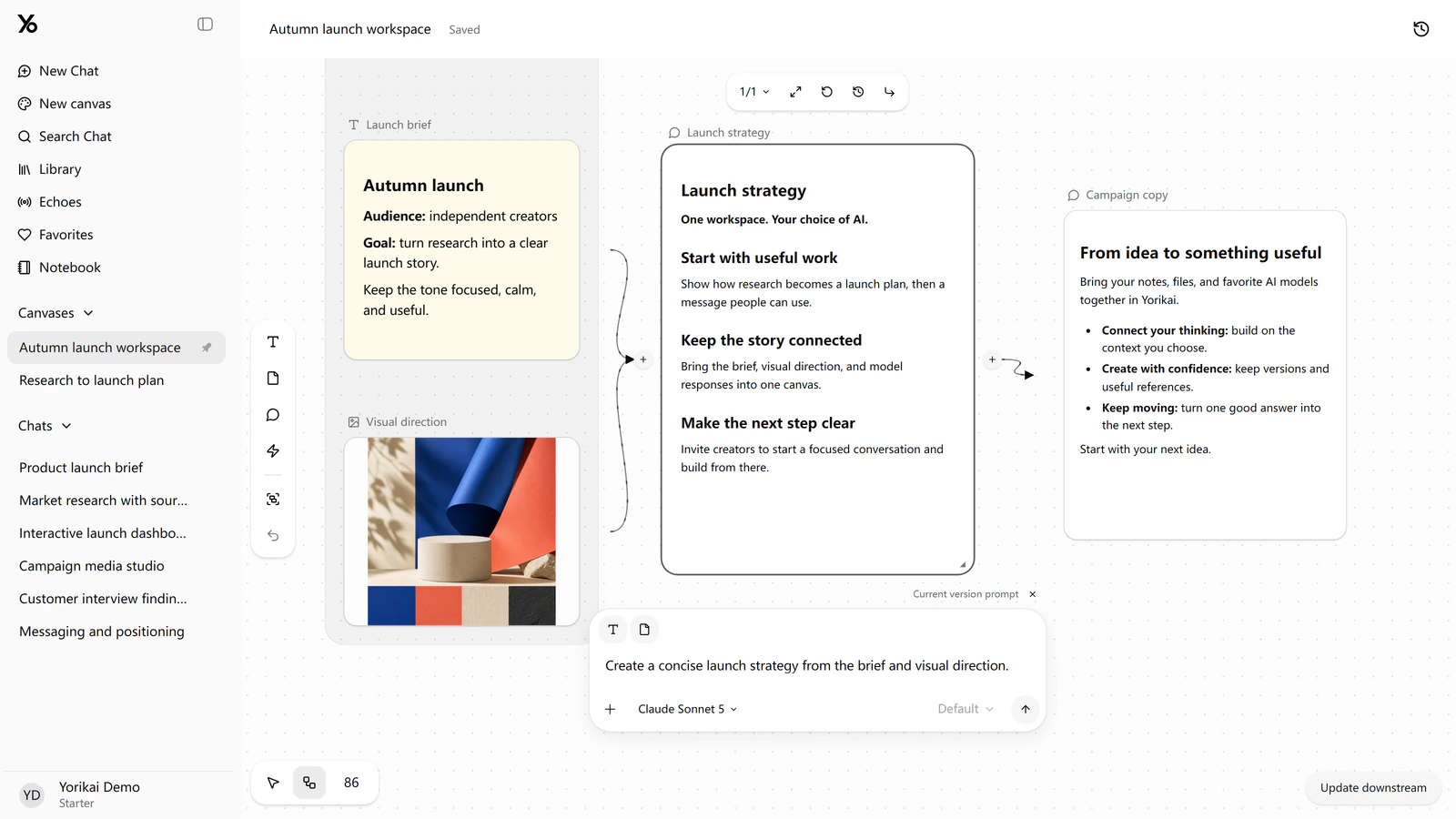
Connected source material and AI replies in Canvas.
Add an execution node and describe the sequence in natural language:
When Research summary finishes, replace Key points with its result. Then use Key points as input to Campaign copy and generate a short announcement.
In the request, use @ to select each node by name. Choose a text model to interpret the request and generate a draft rule.
Review the proposed trigger, destination, and generation steps before saving. The rule can be edited directly or revised by changing the request. Generating the rule and running its AI steps both use the connected API account and may incur usage charges.
Run the saved workflow manually with a completed research result to check the sequence. The execution record shows the summary being written to Key points and then used by Campaign copy. It also provides the inputs, outputs, and status of each step. A failed step can be retried without repeating completed work.
After verifying the sequence, enable the rule with Research summary as its completion trigger. Future completions of that reply can then start the workflow automatically, with each run recorded for review.
See the Canvas introduction for workspace setup, or open Yorikai to create a workflow.